Option 1: PAK ID App — Fuel Complaint
The official digital complaint channel runs inside the PAK ID App:
- Open the PAK ID App on your phone.
- Select the "Fuel Complaint" option.
- Enter the details of your issue (registration problem, token problem, pump overcharging, etc.).
- Attach a picture of the relevant token or receipt if you have one.
- Submit — you can track the complaint's progress inside the app.
Option 2: Helpline 9771
For difficulties with registration or problems at petrol stations, you can also contact 9771 directly for assistance. Keep your CNIC number and token details handy before calling.
What to Include in Your Complaint
- Your CNIC number and registered mobile number.
- The exact token code and date (for token issues).
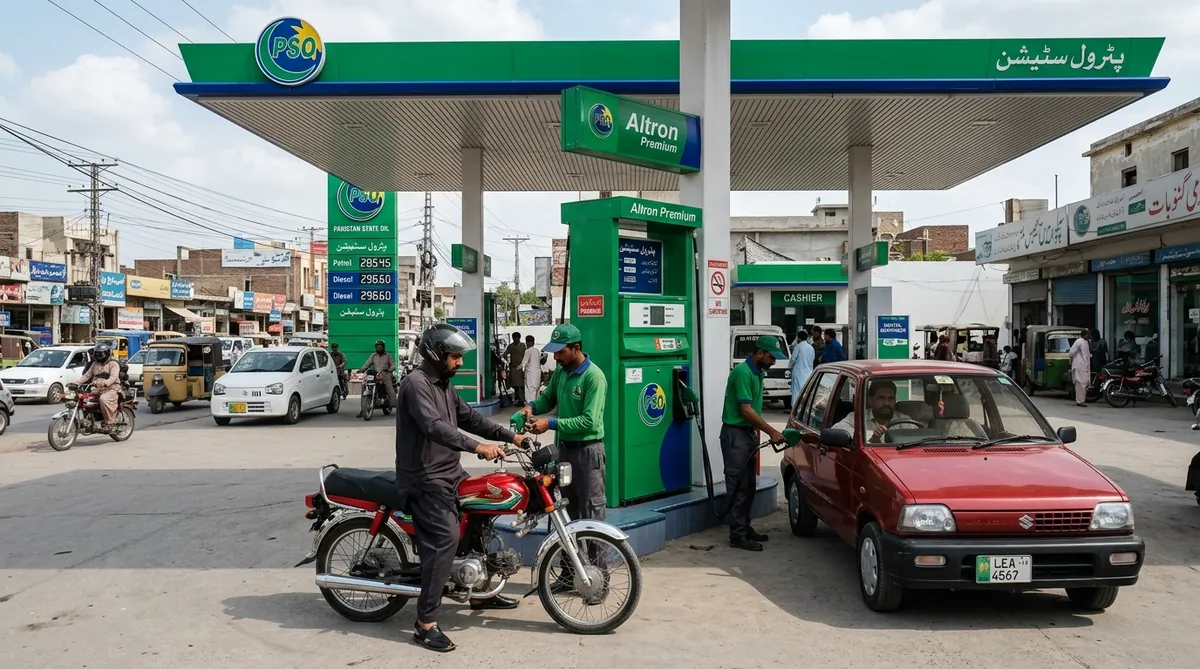
- Pump name and location (for refusal/overcharging).
- Screenshots or photos of SMS messages and receipts.
Common Issues Worth Reporting
- Registration SMS never confirmed despite correct format.
- TOK replies not arriving even within quota.
- Participating pump refusing valid tokens.
- Being charged above the notified fuel price.
- Anyone demanding money, OTPs, or CNIC photos in the name of 9771 — this is fraud; report it.
What Happens Next
Complaints filed through the PAK ID App are trackable — check the app for status updates. For urgent pump-side issues, the 9771 helpline is the faster route. If your issue is about eligibility rules or the registration format, re-check those guides first — most rejections come from small formatting mistakes.
Ready to register?
Use our free SMS builder on the homepage to prepare your REG message without errors.
Open the 9771 SMS Tool