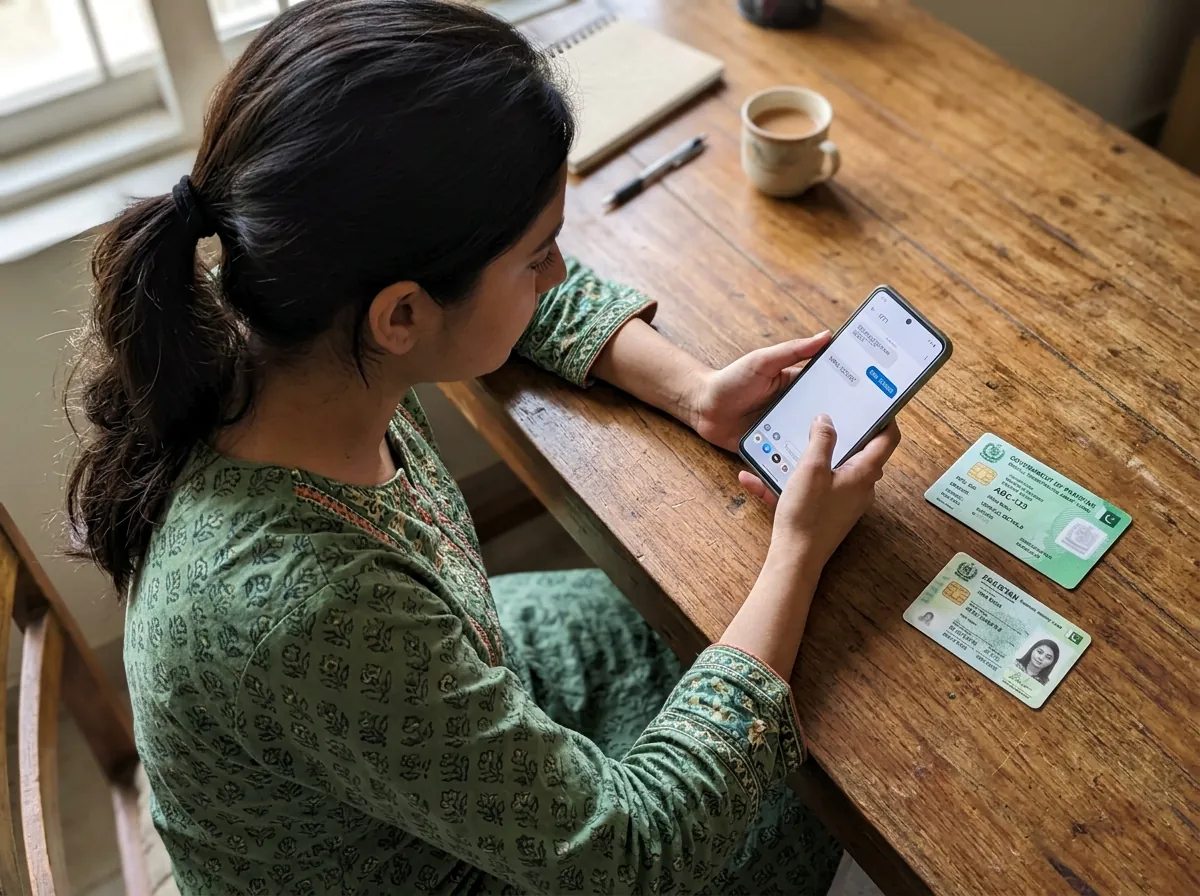
The REG SMS Format
Type the following in your phone's SMS app and send it to 9771:
REG [13-digit CNIC] [Vehicle Number] [Province Code] [Registration Date DDMMYYYY]
Example: REG 4210112345671 KHI1234 S 15082020
What Each Field Means
- CNIC — your 13-digit Computerized National Identity Card number, without dashes.
- Vehicle Number — your number plate as on the registration book (e.g. KHI1234, ICT567).
- Province Code — single letter for the province where the vehicle is registered (table below).
- Registration Date — the vehicle's registration date in DDMMYYYY format, from your registration book — not your date of birth.
Province Codes
- P — Punjab
- S — Sindh
- K — Khyber Pakhtunkhwa
- B — Balochistan
- I — Islamabad
- A — Azad Jammu & Kashmir
- G — Gilgit-Baltistan
Step-by-Step
- Open your phone's SMS app (use the SIM registered against your CNIC).
- Type the REG message exactly in the format above.
- Send it to 9771 — the SMS is completely free.
- Wait for the confirmation SMS. NADRA and excise databases verify your details automatically.
- Once approved, send TOK to 9771 before each pump visit to get your fuel token.
Common Mistakes That Get Rejected
- Using your date of birth instead of the vehicle's registration date.
- Wrong province code — use the province where the vehicle is registered, not where you live now.
- Spaces or dashes inside the CNIC.
- Sending from a SIM not registered in your name.
- Registering more than one vehicle per owner — only one is allowed (see eligibility).
Is Registration Really Free?
Yes. The government made the registration SMS free of cost, and officials have warned that no one will ever ask you for an OTP, fee, or CNIC photo by phone, WhatsApp, or SMS. Anyone asking for money in the name of 9771 registration is a scammer — report them.
Ready to register?
Use our free SMS builder on the homepage to prepare your REG message without errors.
Open the 9771 SMS Tool